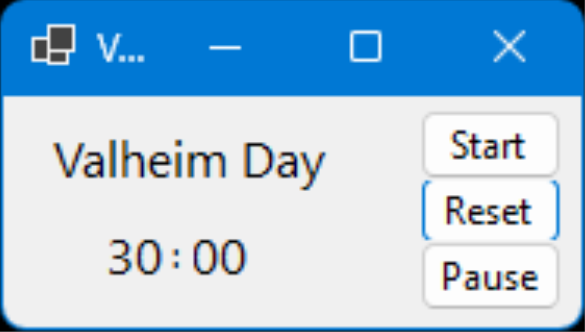
Ever get killed because you didn't realise night was coming and the night spawns got you?
Frustrated that it's suddenly going dark and it's a long way back to your nearest portal?
Me too ! Having to run back in daylight to recover my belongings from my grave was not much fun :¬(
I looked at some timers available out there for free, the bees were NOT happy !
Here's one I wrote myself.
Download the zip file. Create a new directory (folder) for the timer.
Open the zip file and copy all files into the directory you created.
Right click on "Countdown.exe" in that directory and select "Create shortcut".
Once created, you can move the shortcut link to your desktop or the task bar and rename it.
THIS NEXT PART ONLY NEEDS TO BE DONE ONCE !
Now click on the link to start the app. You will get a big message saying that "Windows protected your PC".
The only button which appears says "Don't run" - but don't worry, there is a fix.
Click "More info" and a new button will appear with "Run anyway" on it. Click that one.
The timer will start. Close it using the X in the top right corner.
Now when you click the link, it will start without the message :¬)